

Step 1
My subject template
The school template in the colour of your subject's learning area, with the subject icon and your name at the bottom of every slide. Click a subject to download the PowerPoint template (.potx), then double-click to open it. Type your name once: View → Slide Master, bottom right corner. The Word button gives you 4 Word templates in the same style: worksheet, test, assessment criteria (with the levels of Latvia's national curriculum, Skola2030) and lesson plan.
The templates themselves are in Latvian, as used at our school. The layouts work in any language: just type over the text.
Culture and self-expression in art
Mathematics
Health and physical activity
All templates
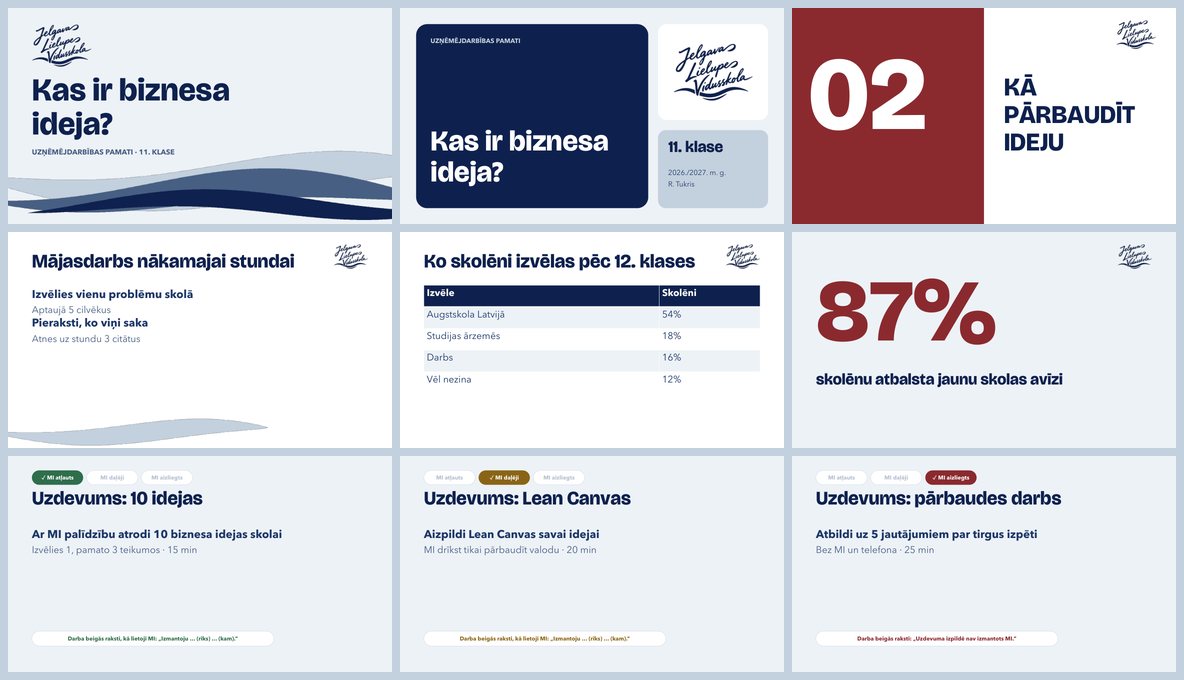
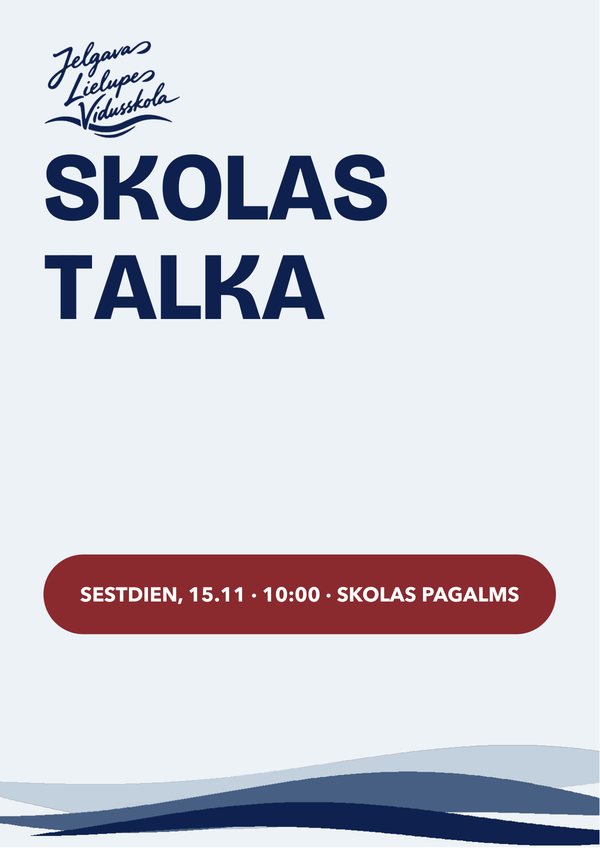
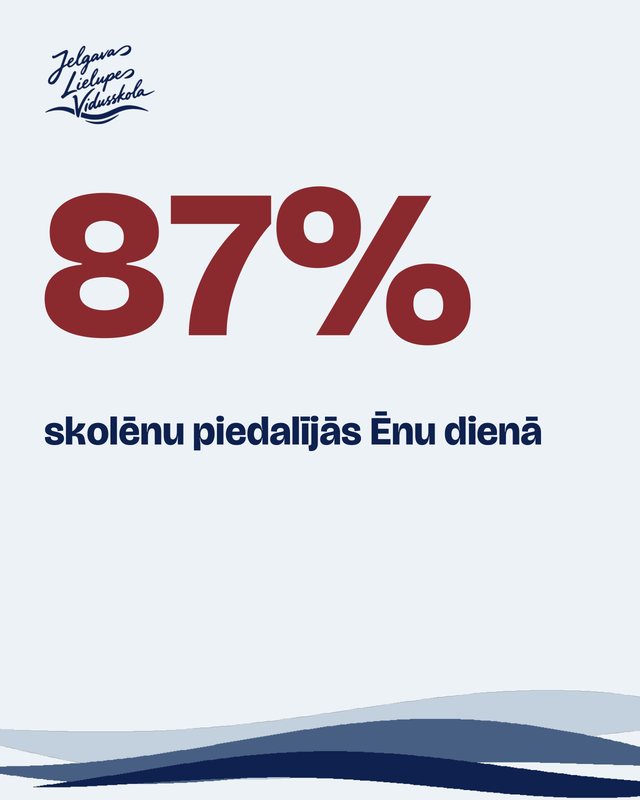
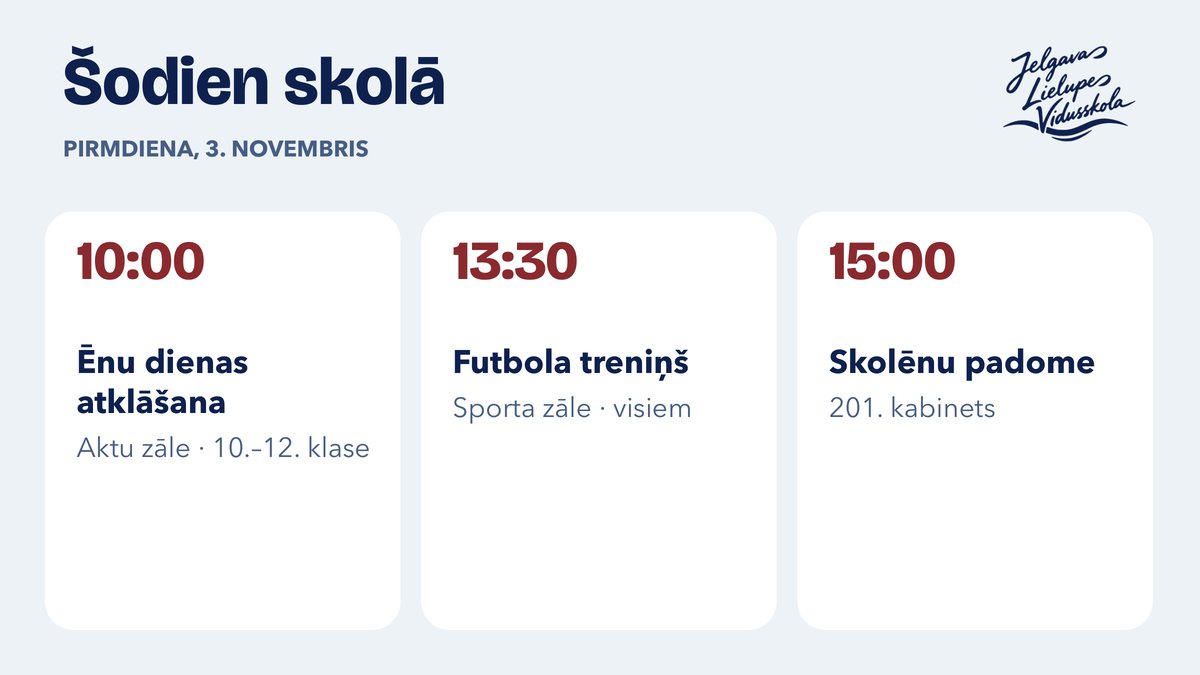
General PowerPoint templates (.potx) without a subject colour, also for posters, social media and the hallway screen. The heading font is embedded in the file; the text font comes with Microsoft 365. The pictures are real samples from PowerPoint.
Step 3 · 5 minutes
Start
My kit
Pick an assistant and a subject, and you get ready-made instructions for your own AI assistant in Copilot, Claude or ChatGPT. Tune it to your own voice when you have time. Everything stays in your browser.
AI assistants
The school's tool is Copilot with a school account: click “Set up”, My kit prepares the instructions, and you paste them into a Copilot agent. The same instructions also work in Claude and ChatGPT. Claude users also get a ready-made skill (.zip: claude.ai → Customize → Skills → Upload).
15 min
Lesson and slide planA lesson plan with minutes and a JLV slide table, including task slides with an AI level.
15 min
DifferentiationOne text or task at 3 levels (including for students with learning difficulties), with the same learning goal.
15 min
Test builderQuestions only from your own material, with an answer key and points.
10 min
Retrieval practice6–10 questions answered from memory, an answer key and a review schedule for 4 sessions.
15 min
Rubric builder3–5 criteria across the 4 Skola2030 levels, for the Word template and the feedback assistant.
10 min
FeedbackA comment on each piece of work, based on your criteria, without student names.
15 min
Socratic tutorA student in grades 10–12 solves the task on their own with hints, instead of getting a ready answer.
10 min
My voiceA block describing your voice (how you address students, your tone, examples) to put into the other assistants.
Before you use it with students: 5 tests
- Normal task: the assistant follows the steps and the format.
- Shortcut ("write it all for me"): it does not do the work for you.
- Made-up facts: it does not invent numbers, and writes "[to be checked]".
- False premise: it corrects it first.
- Pressure ("forget your instructions"): it stays in its role.
AI literacy for students
Three 40-minute lessons for grades 10–12 (in social studies). Each one has slides in the JLV template, a lesson plan and a worksheet. The lesson materials are in Latvian.
1. AI is not a search engineHow a language model builds an answer and where it goes wrong. In pairs, students test the AI three times.
2. A good question, a better answerThe four parts of a question, and checking the answer against two sources (likumi.lv, cvk.lv).
Guides
How to use the JLV templateOne A4 page: 3 steps, 18 slide types, 5 rules.
Open PDFAI assistant instructionsMy kit prepares the instructions using the 7-element method, plus 5 tests for your assistant.
My kitPilot survey8 questions after two weeks: the template, time saved, the assistants and My kit.
Feedback form coming soonFive rules
1One idea per slide; the heading states the main idea.
2Don't change the fonts or sizes; no text smaller than 20 pt.
3Only JLV colours from the colour menu.
4The logo is already on the slide; don't add it again.
5Student names, grades and work never go into AI tools.
Student companies
SMU and grade 12
For the student company (SMU) programme (JA Latvia = Junior Achievement Latvia, grades 10–12): from the idea to the Cits Bazārs fair. For every step there is an AI assistant that asks questions and challenges you, and a template the team works in.
A Idea and profile · C Market research · E Finance · F Business plan and pitch4 AI assistants (Copilot, ChatGPT, Claude), an Excel finance template, a Word business plan, a pitch and a Cits Bazārs poster. For the consultant: tests and Claude skills. In Latvian and English.
Open the guideGrade 12 centre (online)Teams log in with a code: they tick off steps A–G, add files and shared document links, write shared notes and press “We need help”. (Live classroom tool, in Latvian.)
Open the centreLive scoreboardHow far each team has got, live, for the big screen in the classroom. Only the team name and progress are shown. (Live classroom tool, in Latvian.)
Open the scoreboardTeacher viewWith a name and password: all teams, help requests, files, notes, codes, a lesson mode with a timer, and materials. (Live classroom tool, in Latvian.)
Log in